Product
How to Get the Most Out of Compact: Playbooks and Workflows
Compact Legal · July 14, 2026
How to Get the Most Out of Compact with Playbooks and Workflows
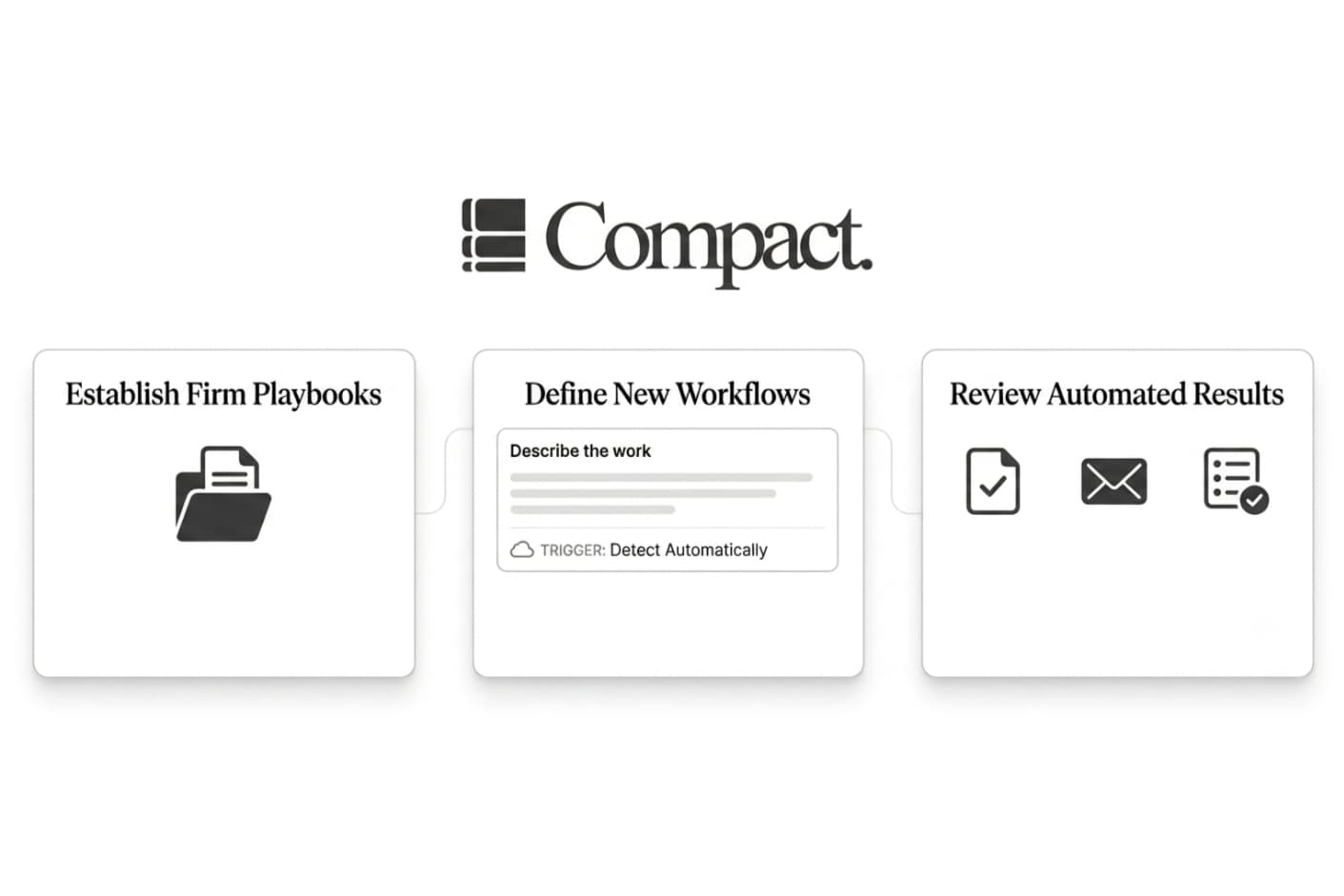
TL;DR Playbooks teach Compact how your firm works. Workflows tell Compact when to do the work. Used together, they let Compact act more like a member of your team: one that already knows your standards, follows your process, and shows up at the right time.
Every firm has work that repeats.
New client intake. NDA review. Status updates. Meeting prep. Follow-up emails. These tasks are not always complicated, but they are easy to do inconsistently. One attorney may have a preferred way of reviewing contracts. Another may have a better intake process. A partner may know exactly what should go into a client update, but that knowledge often lives in their head, not in a system.
Compact is built to make that knowledge reusable.
That is where playbooks and workflows come in.
Playbooks Teach Compact Your Standards
A playbook is a reusable set of instructions for how your firm wants something done.
It can be a checklist, a template, a pasted note, or a short document. When a matching task comes up, Compact can use that playbook so the output follows your firm's standards instead of starting from a generic default.
A good playbook might be:
- A checklist for reviewing a mutual NDA
- Your preferred format for client memos
- A standard intake questionnaire for new matters
- A guide for summarizing upcoming deadlines
- A list of clauses your firm usually flags in contracts
The point is not to write a perfect manual. The point is to give Compact enough context to produce a better first draft.
For example, instead of telling Compact to "review this NDA," a playbook can tell it what your firm usually cares about: confidentiality periods, residuals clauses, non-solicitation language, governing law, indemnity, and anything that should be escalated to an attorney.
That makes the review more useful from the start.
Creating a Playbook
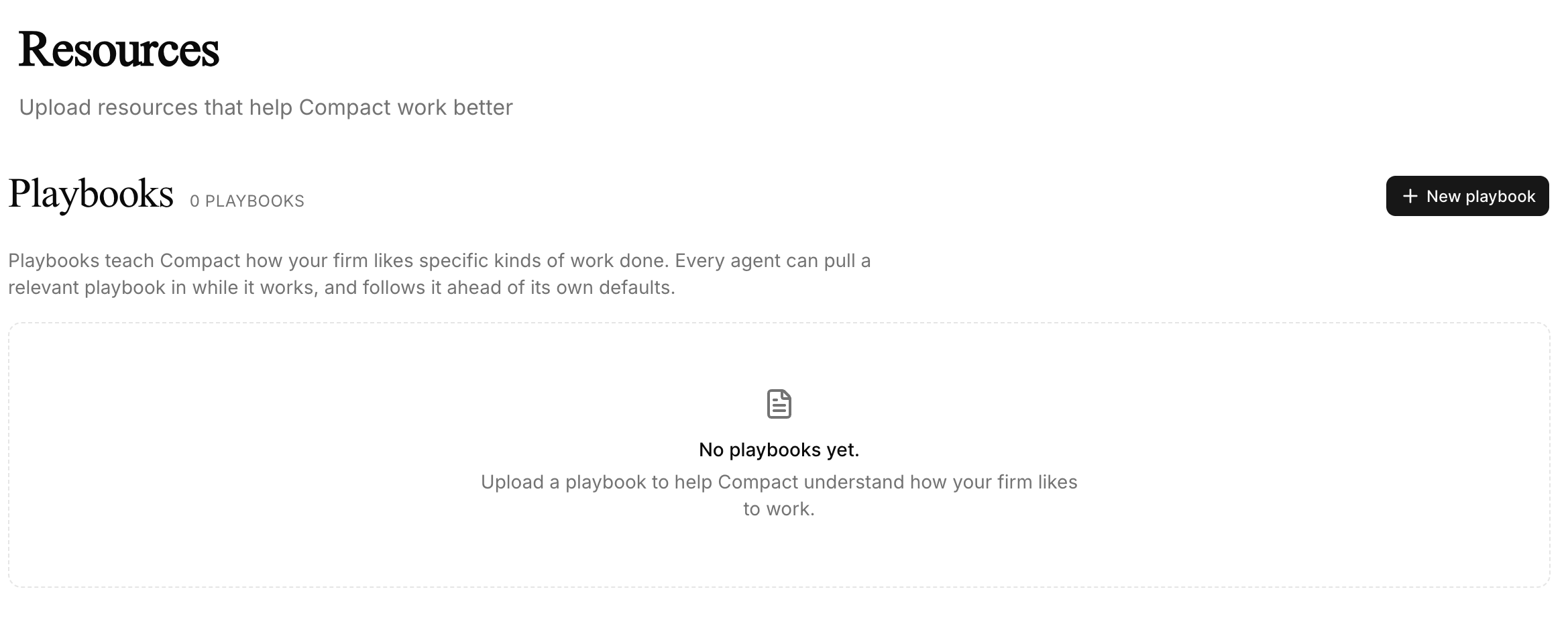
You can create a playbook from the Resources page.
Go to Resources, upload a document or paste in text, wait for Compact to process it, then toggle it on when it is ready. You can also add a short note explaining when the playbook should apply.
That note is important. Specific instructions work better than broad ones.
Instead of:
Use this for contracts.
Try:
Use this when reviewing mutual NDAs for business clients.
Or:
Use this when drafting client-facing status updates for active litigation matters.
The more focused the playbook is, the easier it is for Compact to use it correctly.
What Makes a Good Playbook?
The best playbooks are short, specific, and tied to a real task.
A broad playbook called "Contracts" is less useful than one called "Mutual NDA Review Checklist." A single giant document with every firm preference is usually less useful than a few focused playbooks for specific kinds of work.
It also helps to explain the reasoning behind a rule.
For example:
Flag unusually broad confidentiality obligations because they may restrict ordinary business conversations or future fundraising discussions.
That is better than only saying:
Flag broad confidentiality obligations.
The reasoning helps Compact adapt when the facts are not exactly the same as the example.
Workflows Make the Work Happen
If playbooks teach Compact how your firm works, workflows tell Compact when to act.
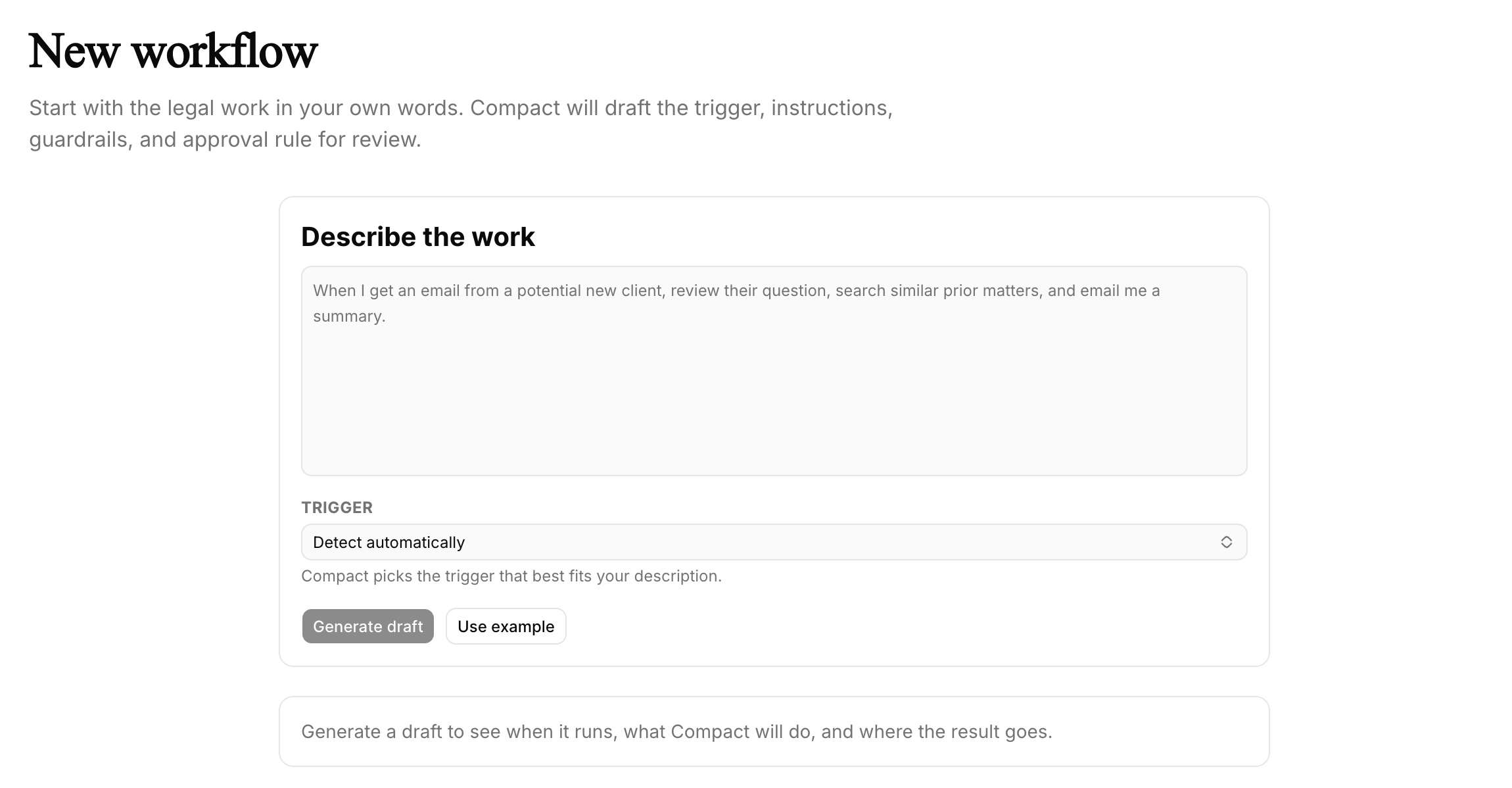
A workflow is an automation described in plain English. You explain what should start the workflow, what Compact should do, what limits it should follow, and what the output should be.
For example:
When I get an email from a potential client, summarize their question and create a task for attorney review.
Or:
Every Monday at 8am, check upcoming deadlines and draft a status update for each active matter.
Or:
When a client sends documents by email, create a task to review the attachments and summarize what was received.
You do not need to build a workflow like a developer. You describe the process the way you would explain it to another person at your firm.
Compact then turns that into a structured workflow with four basic parts:
- Trigger: what starts the workflow
- Instructions: what Compact should do
- Guardrails: what Compact should avoid or limit
- Output: where the result should go
For legal work, guardrails matter. You may want Compact to draft an email, but not send it. You may want it to summarize a client request, but still require attorney review. Workflows are most useful when they save time while keeping the firm in control.
Creating Your First Workflow
You can create a workflow from the Workflows page.
Start by describing the process in plain English. Compact will draft a structured version for you to review. Before enabling it, check the trigger, instructions, guardrails, and output.
A good first workflow might look like this:
When I receive an email from a potential client, summarize the issue, identify any deadlines mentioned, and create a task for attorney review. Do not send a reply automatically.
For the first few runs, we recommend keeping approval on. That lets you see what Compact produces before giving the workflow more independence.
Why They Work Better Together
Playbooks and workflows are useful separately, but they are much more powerful together.
A workflow handles when the work starts. A playbook handles how the work gets done.
Imagine your firm receives a new NDA by email. A workflow can detect the email, create a review task, and ask Compact to summarize the agreement. Before Compact begins, it can also pull in your firm's NDA playbook.
That playbook tells Compact which clauses matter, what positions are acceptable, how to summarize issues, and what should be escalated.
The result is not just automation. It is automation that follows your firm's standards.
Without a playbook, the workflow can still run. With a playbook, the workflow runs in a way that is much closer to how your firm would actually handle the task.
Start Small
The best way to start is not with your most complicated process.
Start with one repeatable task your firm already does every week. Good first workflows include new client summaries, standard NDA reviews, weekly matter updates, meeting prep, or internal deadline summaries.
Then use your edits to improve the playbook. If you keep changing the same thing in Compact's output, that is usually a sign the playbook should be clearer.
Over time, playbooks become a reusable record of how your firm works. Workflows make sure that record is applied when it matters.
Wrapping Up
Most AI tools start every conversation from scratch.
Compact is different.
Playbooks let Compact understand your firm's standards. Workflows let Compact apply those standards at the right time. Together, they help your firm automate repeatable work without giving up consistency, control, or attorney judgment.
If your firm wants help setting up playbooks or workflows for a specific process, reach out to us at dev@compact.legal.